meshtastic.prmsh.com
Meshtastic
Comunicación mesh LoRa de código abierto
Descubre dispositivos compatibles, configuración, canales, nodos y recursos para comenzar a experimentar con Meshtastic.
Puerto Rico / Redes inalámbricas descentralizadas
Exploramos, construimos y conectamos redes mesh LoRa en Puerto Rico. Descubre Meshtastic, conoce MeshCore y únete a una comunidad que cree en la comunicación descentralizada.
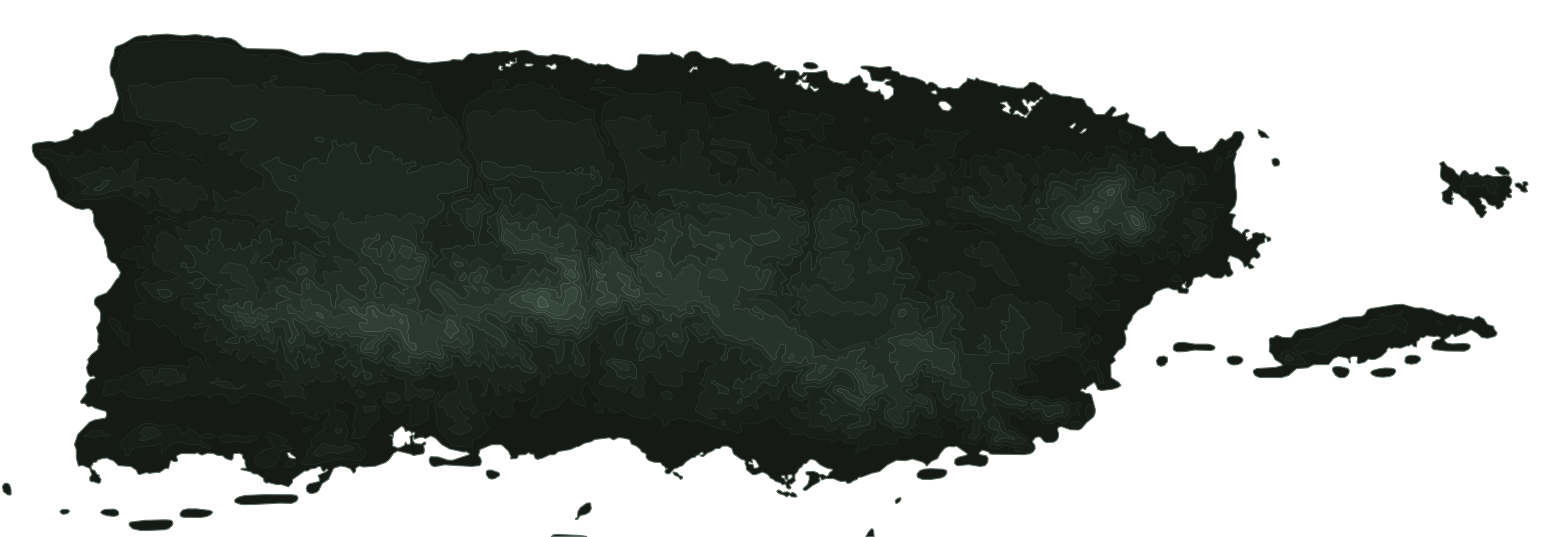
Relieve a partir de datos SRTM y USGS 3DEP. Los nodos y las rutas son ilustrativos: no representan cobertura medida ni enlaces en operación.
Explora los ecosistemas de redes mesh LoRa y encuentra la plataforma que mejor se adapta a tus intereses y proyectos.
meshtastic.prmsh.com
Comunicación mesh LoRa de código abierto
Descubre dispositivos compatibles, configuración, canales, nodos y recursos para comenzar a experimentar con Meshtastic.
meshcore.prmsh.com
Ecosistema de redes mesh LoRa
Explora MeshCore, sus dispositivos, conceptos de red y recursos para formar parte de esta alternativa de comunicación mesh.
Meshtastic y MeshCore son proyectos independientes. Sus protocolos, aplicaciones y redes no son intercambiables: cada sitio te explica cómo empezar con la suya.
Compara Meshtastic y MeshCore lado a ladoEn una red mesh no hay torre central. Cada radio puede recibir un mensaje y retransmitirlo al próximo, así que la red crece con cada nodo que alguien instala.
Conoce los dispositivos LoRa y las opciones disponibles para experimentar con redes mesh.
Aprende sobre nodos, configuración, antenas, alcance y la topología de las redes.
Intercambia experiencias, resuelve dudas y colabora con otros entusiastas en Puerto Rico.
Comparte proyectos, pregunta, aprende y ayuda a crecer la comunidad de redes mesh en Puerto Rico.
Conversaciones, colaboración y ayuda entre miembros.
discord.gg/3v6rRhNRpD
Únete al Discord(abre en una pestaña nueva)Conecta con la comunidad y participa en las conversaciones.
facebook.com/groups/3150733368394141
Visitar grupo(abre en una pestaña nueva)Comparte preguntas, experiencias y conversaciones sobre Meshtastic en Puerto Rico.
r/MeshtasticPuertoRico
Visitar subreddit(abre en una pestaña nueva)Descubre las redes mesh, comparte lo que aprendes y forma parte de una comunidad construida nodo a nodo.